Cybersecurity basics
Blended-learning, compliance
| Client | non-governmental organization |
|---|---|
| Competencies | instructional design; project management; curating; copywriting; storyboarding; live session planning |
| Tools | Genially, Microsoft 365 (mainly SharePoint, PowerPoint), generative AI; text-to-speech tools |
| Participants | All employees of the organization, regardless of their position |
| Role in the project | Instructional Designer; Project Manager |
The problem
An NGO approached me to design a training course on the basics of digital security. The aim was to equip employees with essential knowledge and skills, helping the organization protect its data more effectively while also meeting the expectations of internal and external auditors.
Because the client had never conducted such training before, there were no existing materials to build on. The budget was also very limited, so I decided to use only the tools already available within the organization — mainly Microsoft 365 (with a focus on SharePoint) and the interactive presentation platform Genially.
Risks
Employee awareness of digital security was very low, and there had already been incidents that put the organization at potential risk.
Compliance
The organization was required to establish a cybersecurity policy, and regular staff training formed a core part of meeting that obligation.
Reputation
The NGO works with sensitive data related to adults in need of special care. A potential scandal — such as unauthorized external access to this information — could severely damage the organization’s reputation.
Learning objectives
- By the end of the course, participants would be able to clearly identify five common threats and attack methods covered in the training. (Bloom’s Taxonomy: Understanding)
- Within one month, participants would be able to interpret potential risks and consistently apply the principles introduced in the course to mitigate them in their daily work. (Bloom’s Taxonomy: Applying)
- Participants would be able to explain key security practices for safe email use, as presented in the training. (Bloom’s Taxonomy: Understanding)
- Participants would be able to apply basic rules for securing devices, as outlined in the course. (Bloom’s Taxonomy: Applying)
Course structure
The organization expected employees to follow established rules and procedures. At the same time, I knew that without building broader awareness of cybersecurity — and adding real value through skills that employees could also use in their personal lives — the training would feel unengaging and therefore less effective. That’s why I convinced the subject matter expert (SME) to include practical knowledge and skills that participants could apply outside of work as well.
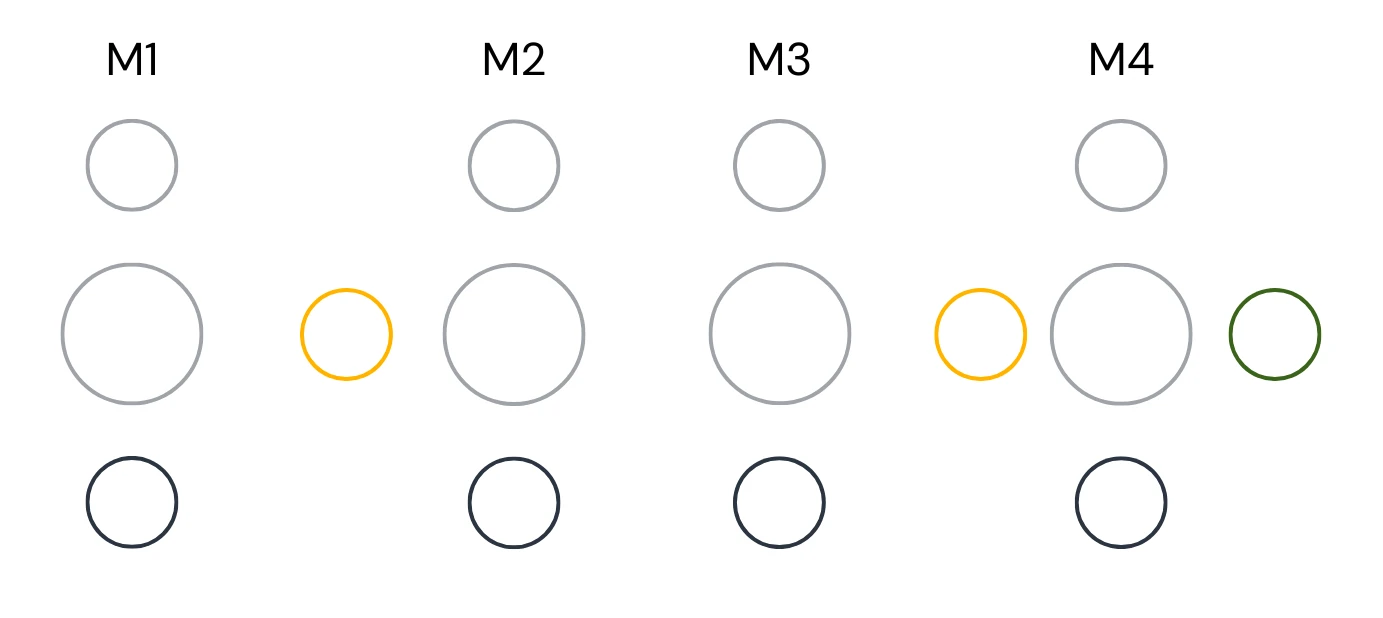
Main and additional content (interactive presentation and links to the additinal materials)
Activities (i.e. quizes, short answers)
Evaluation (final test)
Facilitated learning (expert-led live sessions and group work)
The course content was divided into four distinct modules. After defining the scope, we organized the material to move from general knowledge and basic skills toward more specific topics. In addition to interactive presentations, each module offered optional video resources for those interested in learning more. I also wanted participants to have opportunities for greater engagement by sharing their own experiences (social learning).
One of the biggest challenges was addressing the need for live contact with an expert. The organization didn’t have the resources or capacity to run regular live sessions, so I proposed two optional meetings with the SME during the course. These sessions gave participants the chance to ask questions and complete a task together, applying the knowledge they had already gained. The meetings were designed so the expert wouldn’t need to prepare extra materials, ensuring no additional workload.
The main interactive presentation was created in Genially. Each module was divided into two or three sections: the first always included an opening quiz, and the last featured a short knowledge check to wrap up the module. Participants could go through the entire module in one sitting or break it down into smaller chunks, adjusting the pace to their own needs.
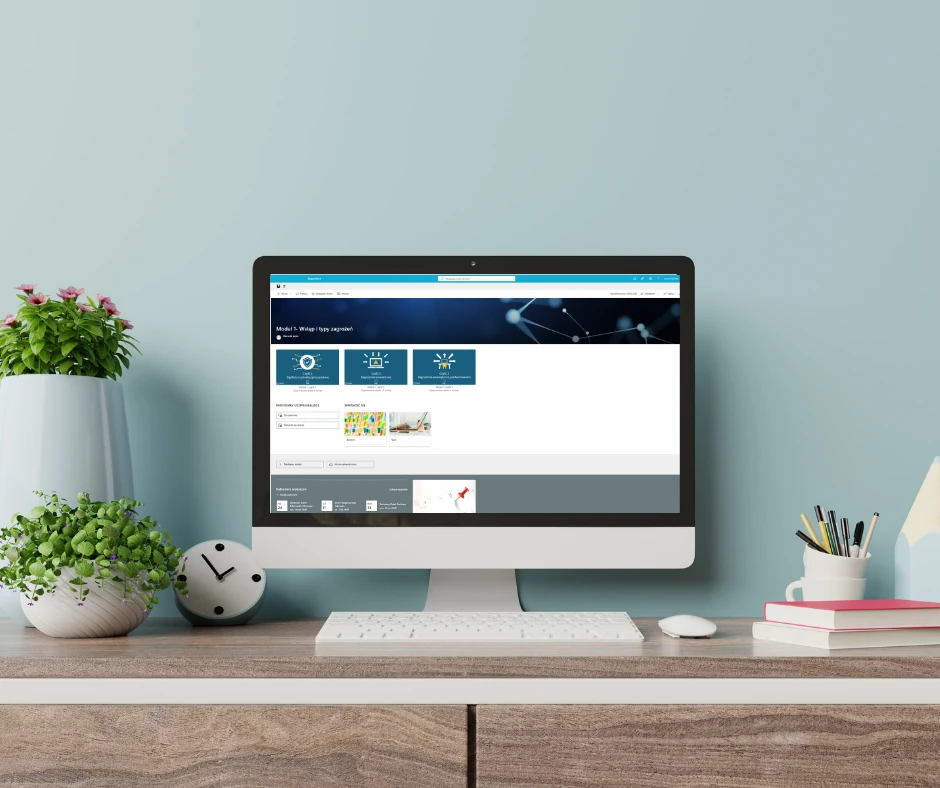
To make the course accessible, I built a dedicated SharePoint site. This site functioned not only as the training platform but also as a communication tool for the IT team to reach employees. This approach combined educational and practical aspects, creating an integrated environment for both learning and communication around cybersecurity.
Process
We began by defining the business problem. This step could not be skipped, as training is always developed with a clear purpose in mind.
Next, we created a persona — a hypothetical course participant. The persona outlined their expectations, technical preferences, limitations (such as time), and role within the organization. Defining this early on ensured that the content and course design would be aligned with the learner’s perspective. Even when adjustments were needed later, we could be confident that changes would stay relevant to the intended user.
Only after the client approved the persona did we move on to defining the scope of the content and the overall course structure. This analytical phase was crucial, and investing time here allowed us to approach the rest of the project systematically.
We worked in a workshop-style format, using the SAM (Successive Approximation Model) methodology. This iterative approach to instructional design is built around three phases:
- Preparation – gathering information, setting goals, and planning the project.
- Iterative design – building quick prototypes, testing, and refining them in short cycles.
- Iterative development – expanding and improving the project step by step.
SAM emphasizes flexibility, rapid prototyping, and continuous improvement, which allowed us to adapt quickly to the client’s needs. We met once a week (sometimes every two weeks) to review a section of the training and make adjustments together.
I started by building a course skeleton that included suggested activity formats, evaluation methods, and a content flow. This gave the SME a clear picture of how the course could take shape and gave the client an opportunity to suggest changes before the main content was developed. From there, I worked module by module, moving from general concepts to more detailed content.
The interactive presentations were built in Genially. While the tool requires some skill to use effectively, it offers extensive interactive features, which was a key factor for this project. One of the main challenges was the amount of text — far too much to make the presentations engaging if presented only as written content.
To address this, we decided to add a narrator using text-to-speech technology. This solution was chosen to:
- make the material easier to absorb for auditory learners,
- improve accessibility for employees with reading difficulties,
- add more variety and dynamism to the course.
Using text-to-speech allowed us to implement narration without hiring a professional voice actor, saving both time and cost while still improving the learner experience.
Testing and Go-Live
I wanted testing to go beyond technical checks and include UX aspects as well. To achieve this, I organized two sessions with selected employees who went through different parts of the course and provided feedback on functionality and usability. Their input helped us validate technical decisions and resolve some uncertainties.
The final rollout of the course was handled directly by the client.
Final reflections
What I am most proud of in this project is the ability to apply best practices in instructional design while keeping costs low. By relying on minimal financial investment and making creative use of tools not primarily designed for course creation, I was able to maximize the project’s budget without compromising on quality or learner engagement.
This approach highlighted the value of flexibility and resourcefulness. It proved that with the right strategy, it is possible to achieve meaningful learning outcomes even under constraints. For me, it was also an important lesson in adaptability — and I hope this project serves as inspiration for future initiatives carried out in the same spirit.